
- 1
- 2
- 3
- 4
Sell Your Apple iPad in Singapore
Step 2 – Select Your iPad Model
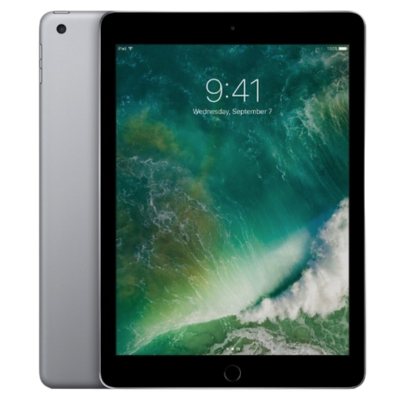
Pick your iPad Pro, iPad Air, iPad mini or standard iPad below, choose New or Used, and get an instant estimated trade-in value. Sell at any MobileRelation outlet or book a doorstep pick-up.
- iPad Pro, Air, mini and iPad
- Wi-Fi and Cellular models
- Payout after inspection
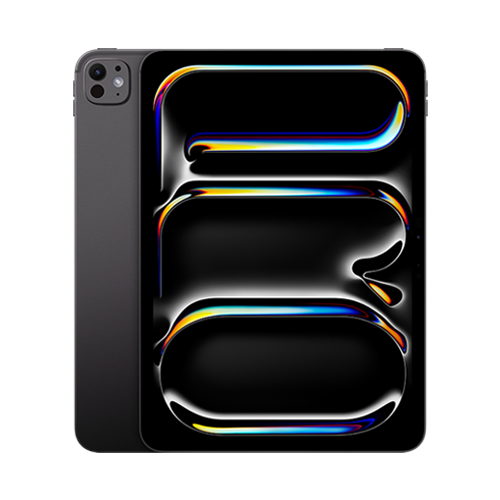
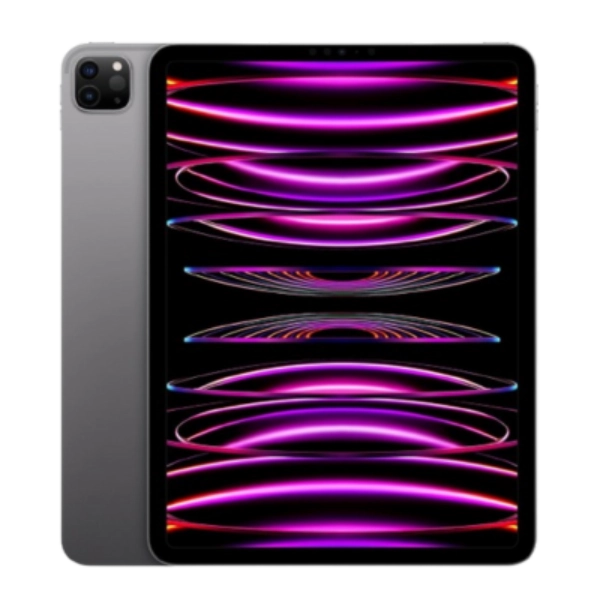
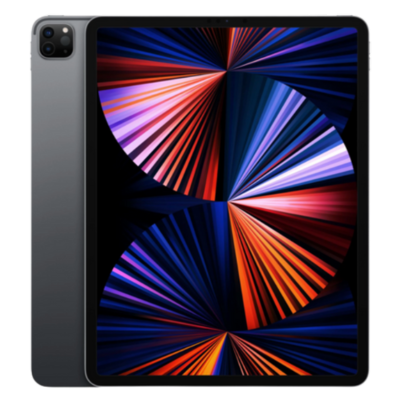
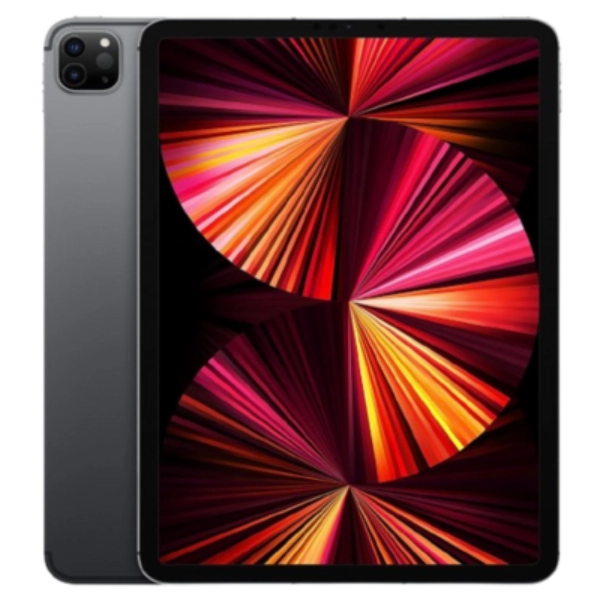
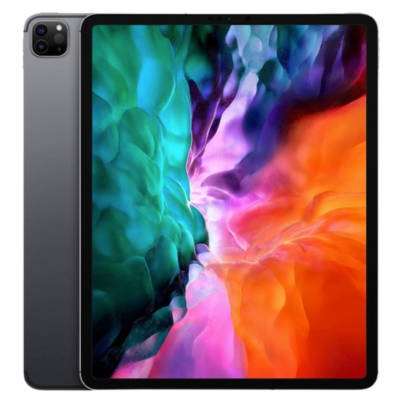
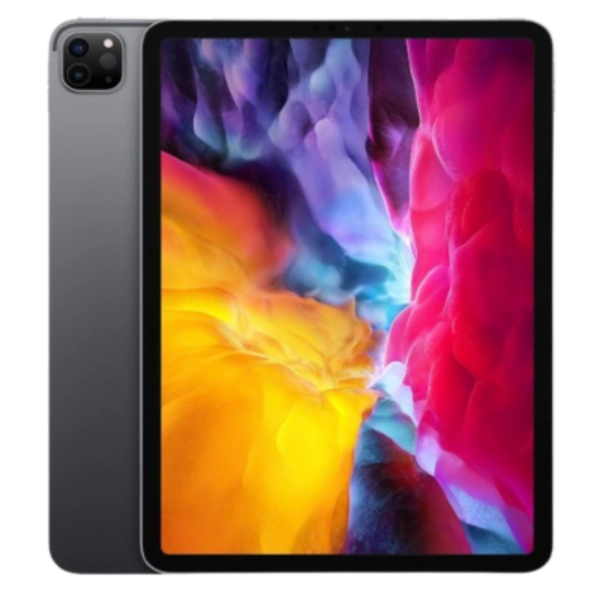
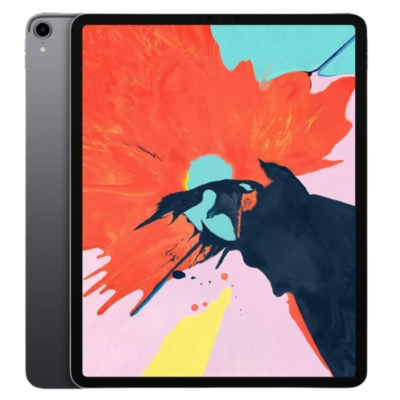
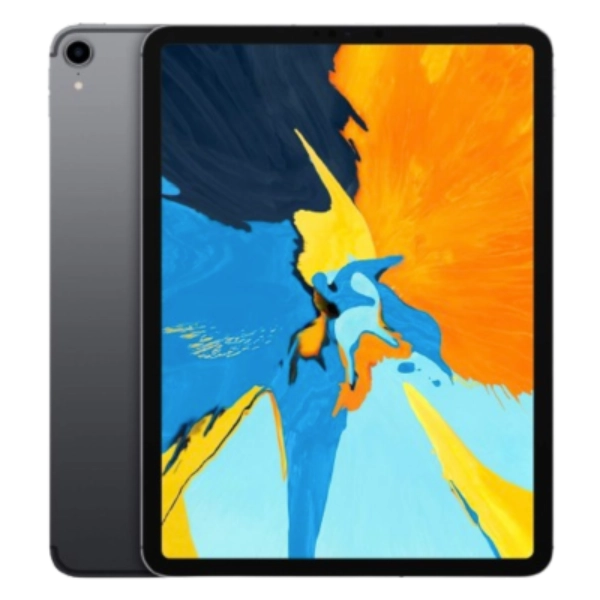
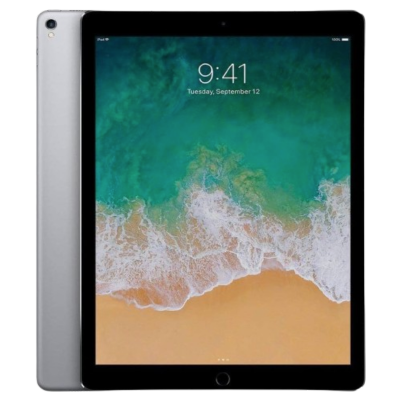
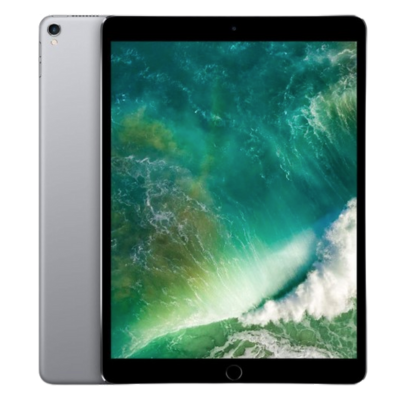
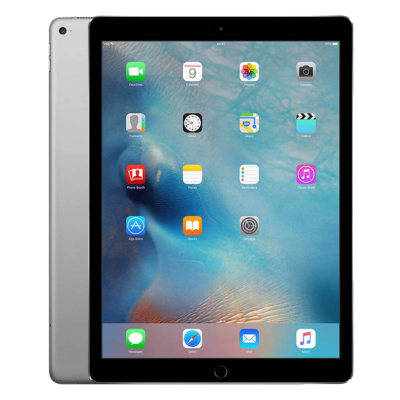
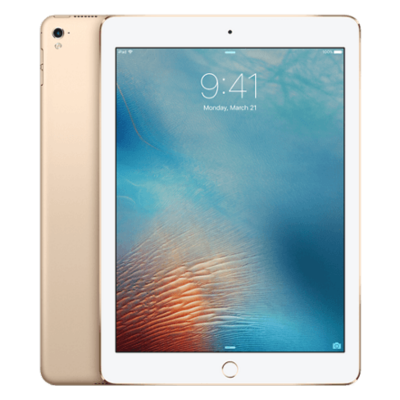
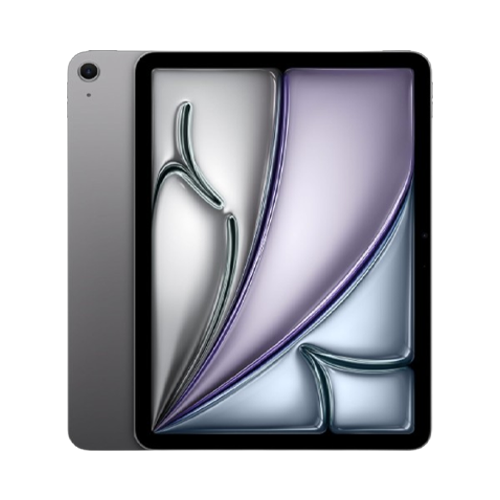
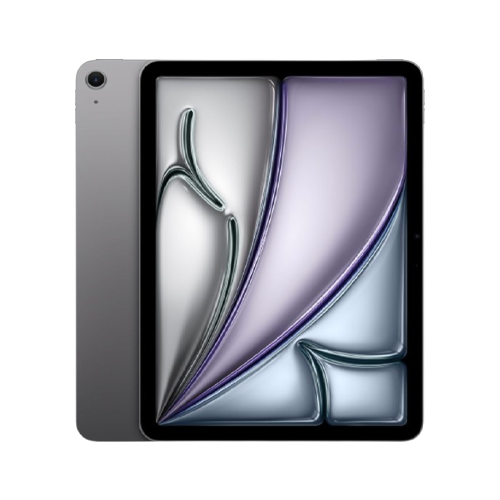
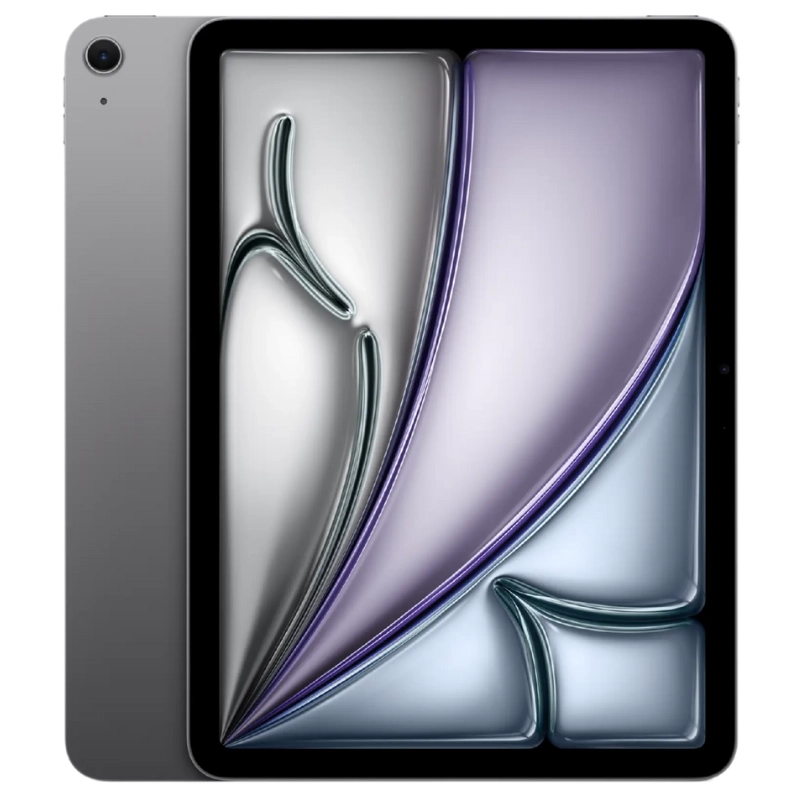
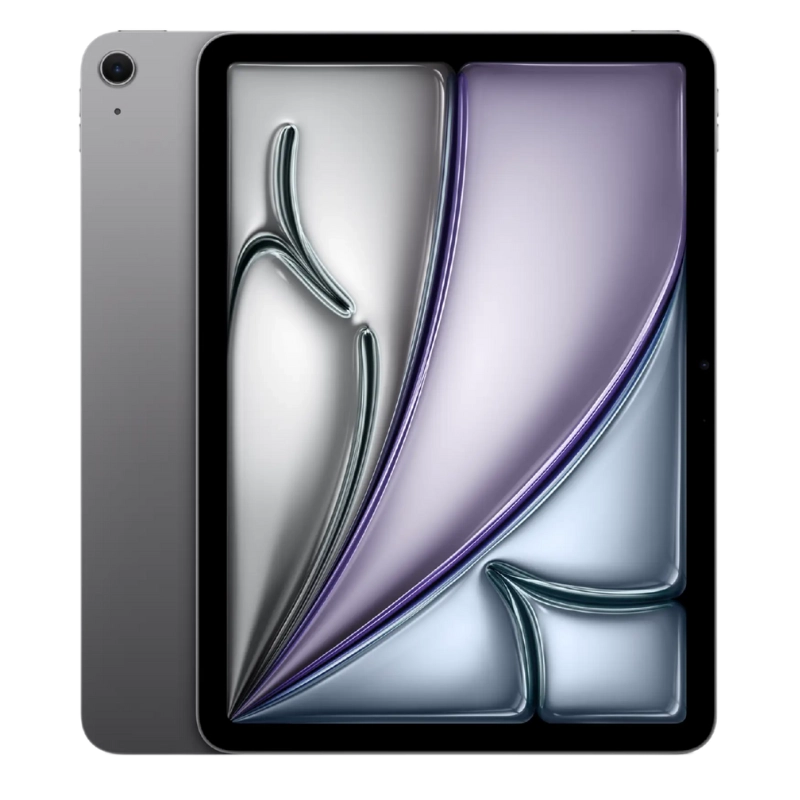
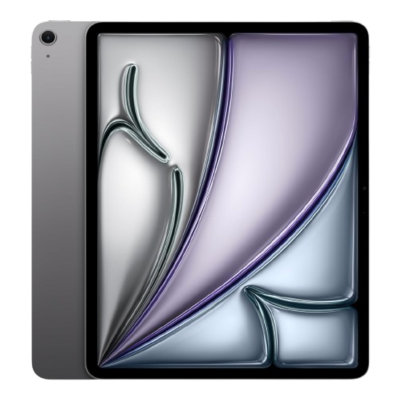
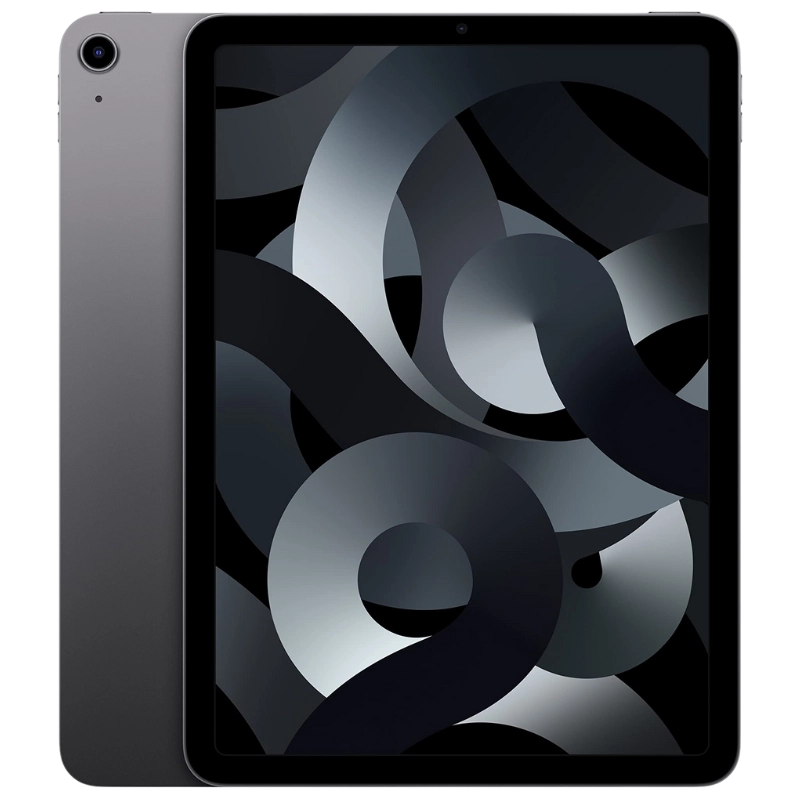
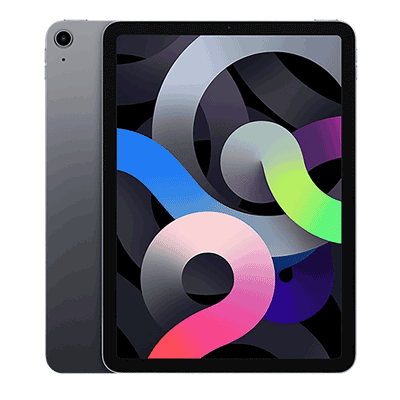
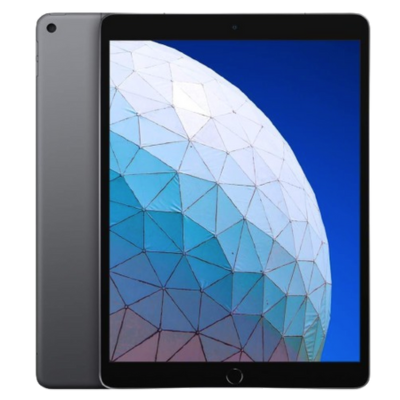
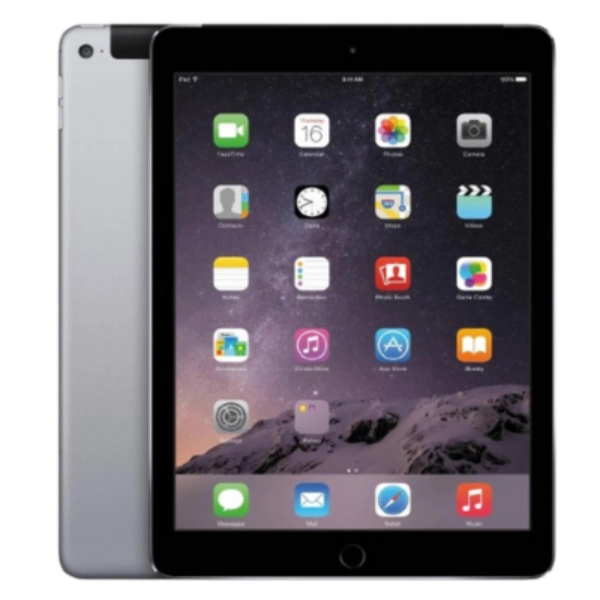
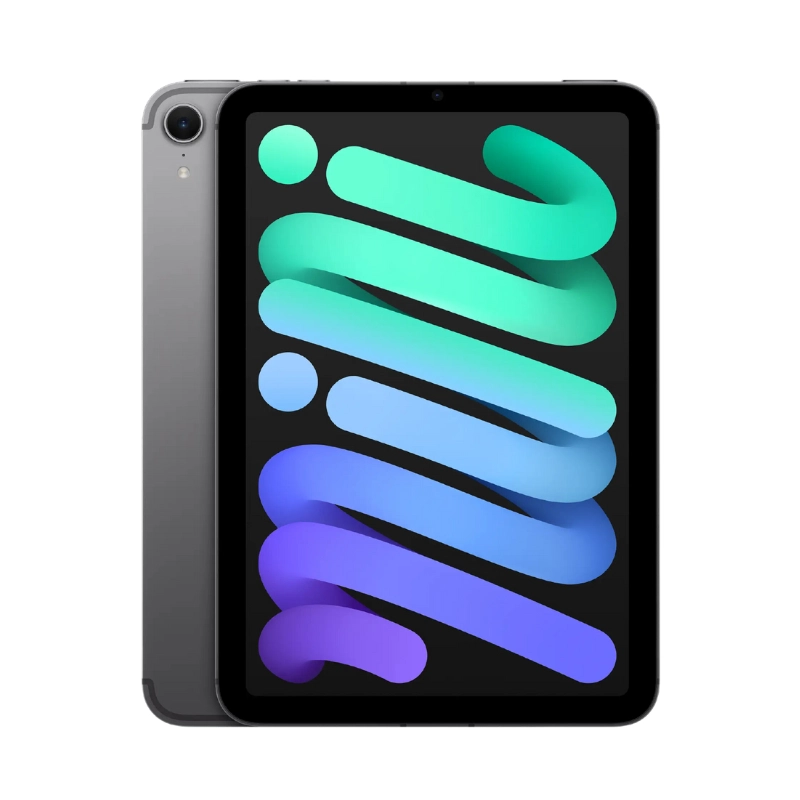
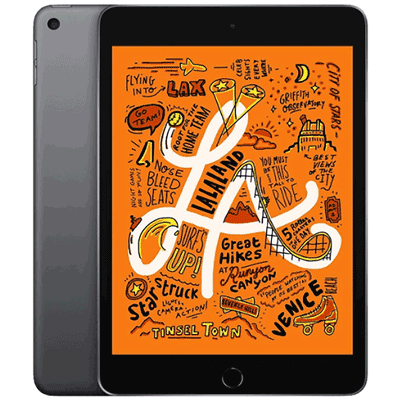
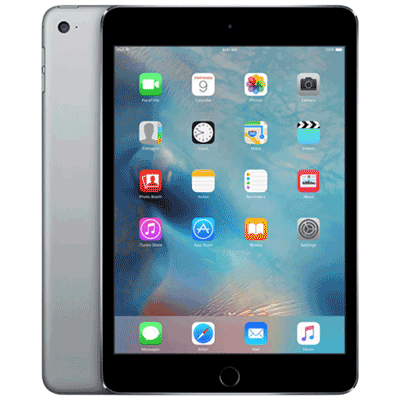
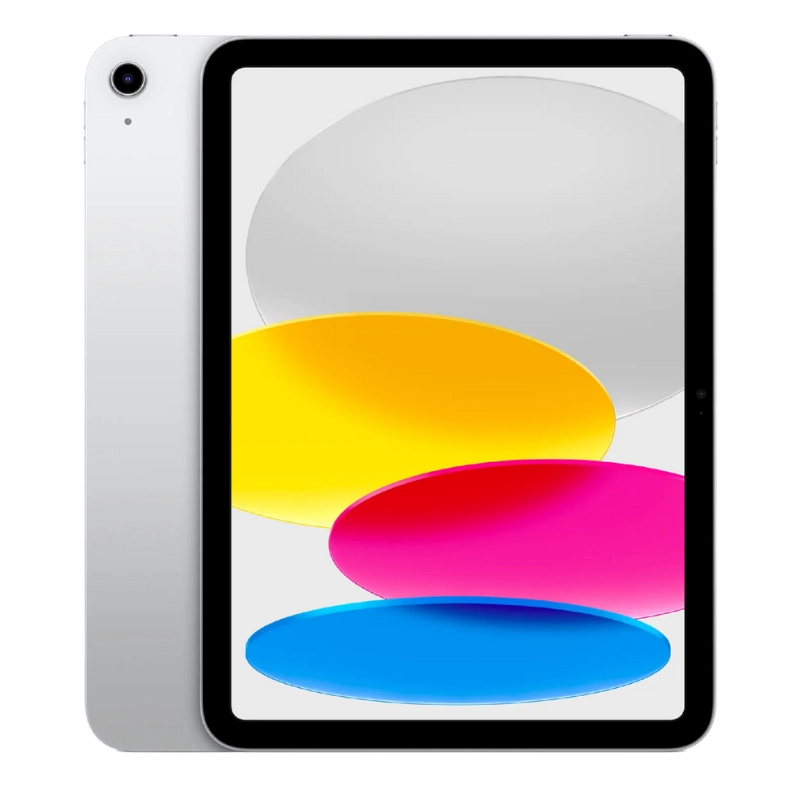
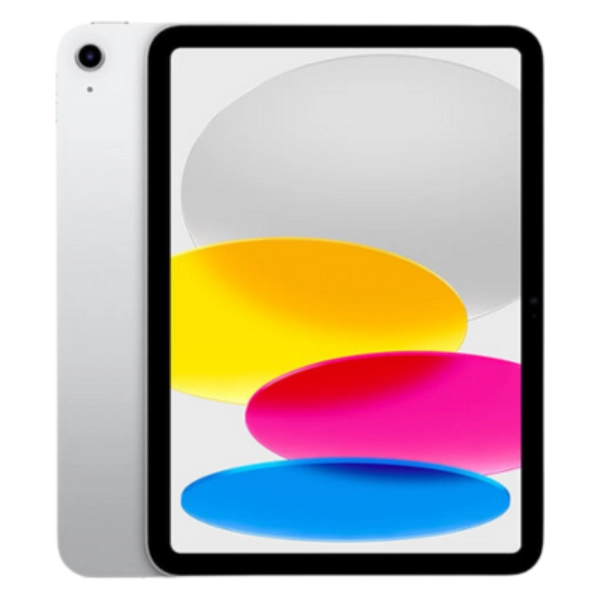
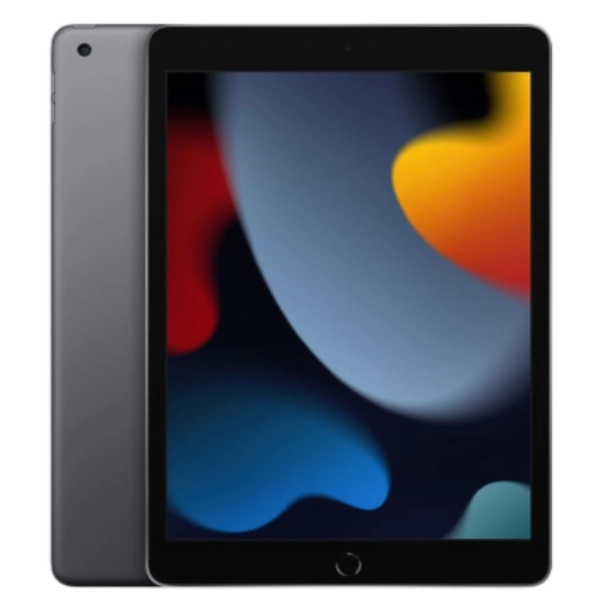
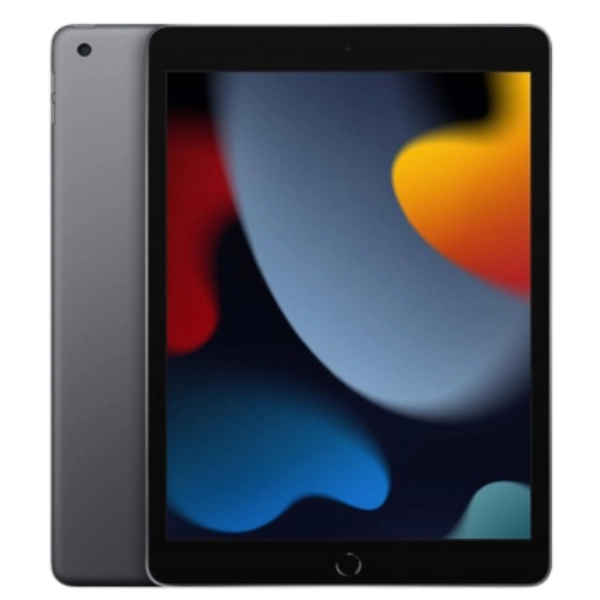
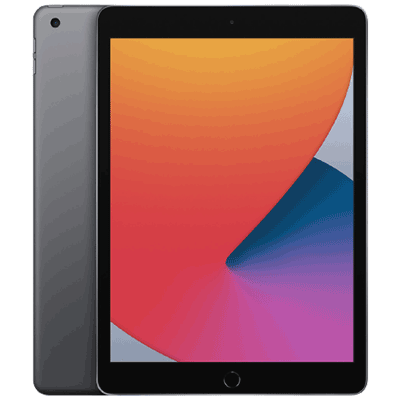
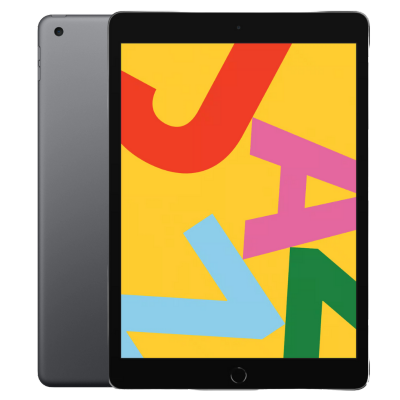
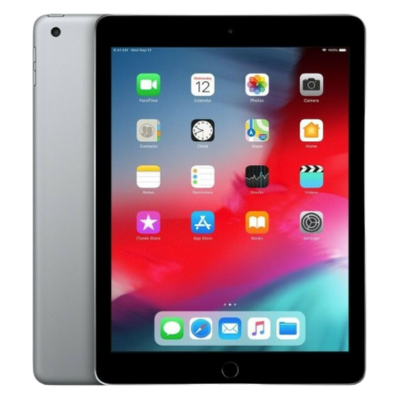
Can’t find your iPad model? Chat with us on WhatsApp.
IPAD BUYBACK SINGAPORE
Sell Your iPad for Cash in Singapore
Upgrading to a new iPad, or simply not using your old one? Sell it to MobileRelation instead of waiting for a private buyer. Select your exact iPad model above, choose its storage and colour, answer a few questions about its condition and you get an estimated trade-in value straight away.
We buy iPad Pro, iPad Air, iPad mini and standard iPad models, from the latest M5 iPad Pro and M4 iPad Air back to older generations such as the iPad Pro 9.7-inch and iPad 5th Gen. New and used units are both accepted, including iPads with scratches, low battery health or functional faults. The final offer is confirmed after we inspect the device.
MODELS WE BUY
Which iPad Models Can I Sell?
- iPad Pro11-inch and 13-inch M5 and M4 models, 12.9-inch 1st to 6th Gen, 11-inch 1st to 4th Gen, plus the 10.5-inch and 9.7-inch.
- iPad Air11-inch and 13-inch M4, M3 and M2 models, and iPad Air 2 to iPad Air 5.
- iPad miniiPad mini 8 (A20 Pro), iPad mini 7 (A17 Pro), and iPad mini 4 to iPad mini 6.
- iPadiPad 11-inch (A16) and iPad 5th Gen to 10th Gen.
MODEL CHECK
How to Find Your Exact iPad Model
- Open Settings > General > About and check the Model Name and storage capacity.
- Tap the Model Number to reveal the A-number (for example A2836), which identifies the exact version.
- If your iPad has a SIM tray or a Cellular Data menu in Settings, choose the WiFi Cellular version.
- Check the screen size and chip (M5, M4, A17 Pro and so on), as these change the value.
Selecting the wrong generation, storage or connectivity is the most common reason a final offer differs from the online estimate.
SIMPLE AND TRANSPARENT
How iPad Trade-In Works
Four steps from online quote to payout.
-
1
Choose Your iPad
Select your iPad model above and pick New or Used.
-
2
Set Storage and Colour
Match the storage capacity and colour of the iPad you are selling.
-
3
Describe Its Condition
Answer questions on the screen, housing, battery health, accessories and any faults.
-
4
Outlet or Pick-Up
Visit an outlet or book a doorstep pick-up. You are paid once the iPad is inspected.
VALUATION GUIDE
What Affects Your iPad Trade-In Value?
- Series, generation and chipNewer iPad Pro and iPad Air models with M-series chips usually have the strongest demand.
- Wi-Fi or Wi-Fi + CellularCellular iPads are listed separately and are often valued differently.
- Storage capacityHigher storage options usually receive a higher offer.
- Screen and housingDeep scratches, dents, cracks and previous repairs lower the offer.
- Battery healthQuoted in brackets: 100%–90%, 89%–86%, 85%–81% and 80% or less.
- Box and accessoriesThe original box and charging cable can support the valuation.
BEFORE HANDOVER
Prepare Your iPad Before Selling
- Back up your iPad to iCloud or your computer.
- Turn off Find My iPad and sign out of your Apple ID to remove Activation Lock.
- Remove any passcode, Screen Time limits and work or school management profiles.
- Remove the SIM card, or follow your carrier’s steps for an eSIM.
- Bring your NRIC or Singpass, plus the box and cable if you still have them.
Do not erase your iPad until your backup is complete and you have confirmed your important files open on another device.
MORE APPLE TRADE-INS
Sell Your Other Apple Devices
Trading in more than one device? Get a quote for each of them.
FREQUENTLY ASKED QUESTIONS
Questions About Selling an iPad
How much can I get for my used iPad in Singapore?
It depends on the model, storage, Wi-Fi or Cellular version and condition. Select your iPad above to see an instant estimate. The final offer is confirmed after inspection.
Can I sell an iPad with a cracked screen or low battery health?
Yes. iPads with scratches, cracks, low battery health or faults can still be sold. Describe the condition accurately in the quote so the estimate is as close as possible to the final offer.
Do I need to buy a new device to sell my iPad?
No. You can sell your iPad for cash on its own, without buying a replacement.
How do I know if my iPad is Wi-Fi or Wi-Fi + Cellular?
Cellular iPads have a SIM tray or eSIM, and show a Cellular Data option in Settings. If you see neither, choose the WiFi version of your model.
Do I need to remove my Apple ID before selling?
Yes. Turn off Find My iPad and sign out of your Apple ID so Activation Lock is removed. A locked iPad cannot be completed until the lock is removed.
Where can I sell my iPad in Singapore?
Visit any MobileRelation outlet in Aljunied, Tanjong Pagar, Bartley, Ang Mo Kio, Tampines or Jurong East, or book a doorstep pick-up from your home or office.
READY TO START?
Check Your iPad Value Now
Search for your iPad above, or message us if your model is not listed.